
100% on-device · PDF & photos

Your PDFs.
Lighter.
On your phone.

Compress PDF and photos for WhatsApp or email, convert, merge and split, even offline.

No mandatory cloud. No account. Your files stay on your device.

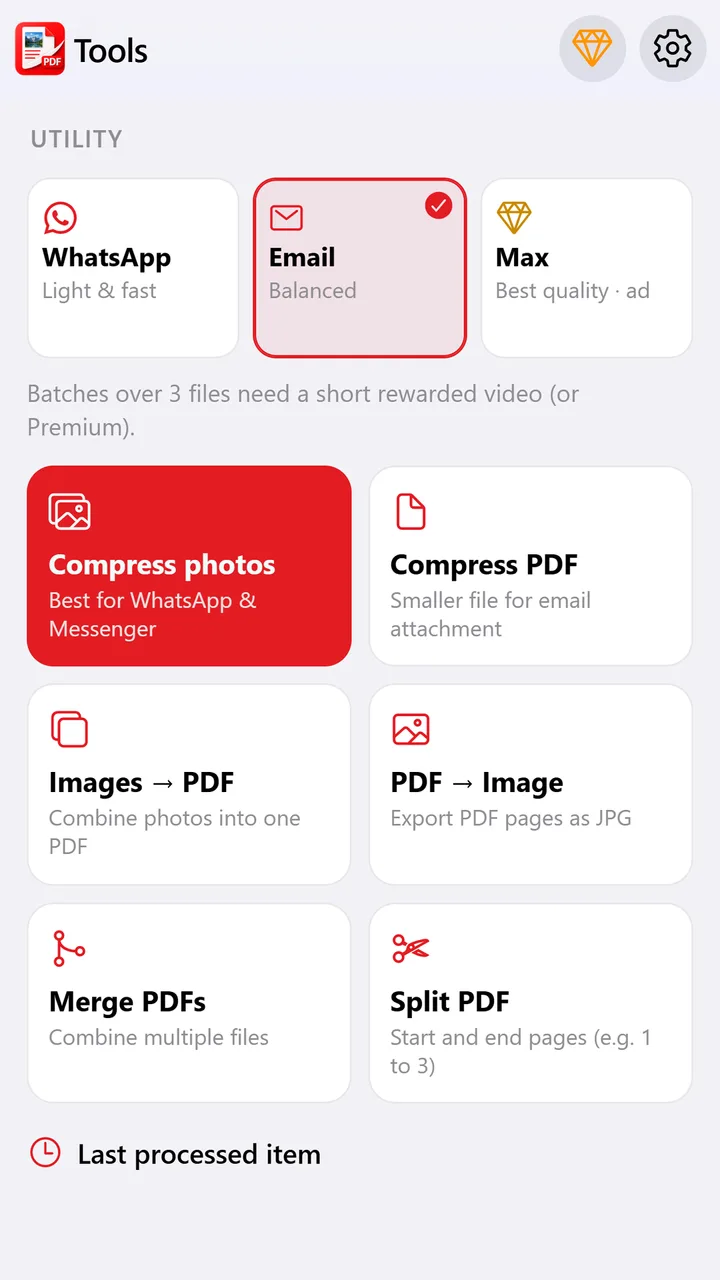
LightDocs tools
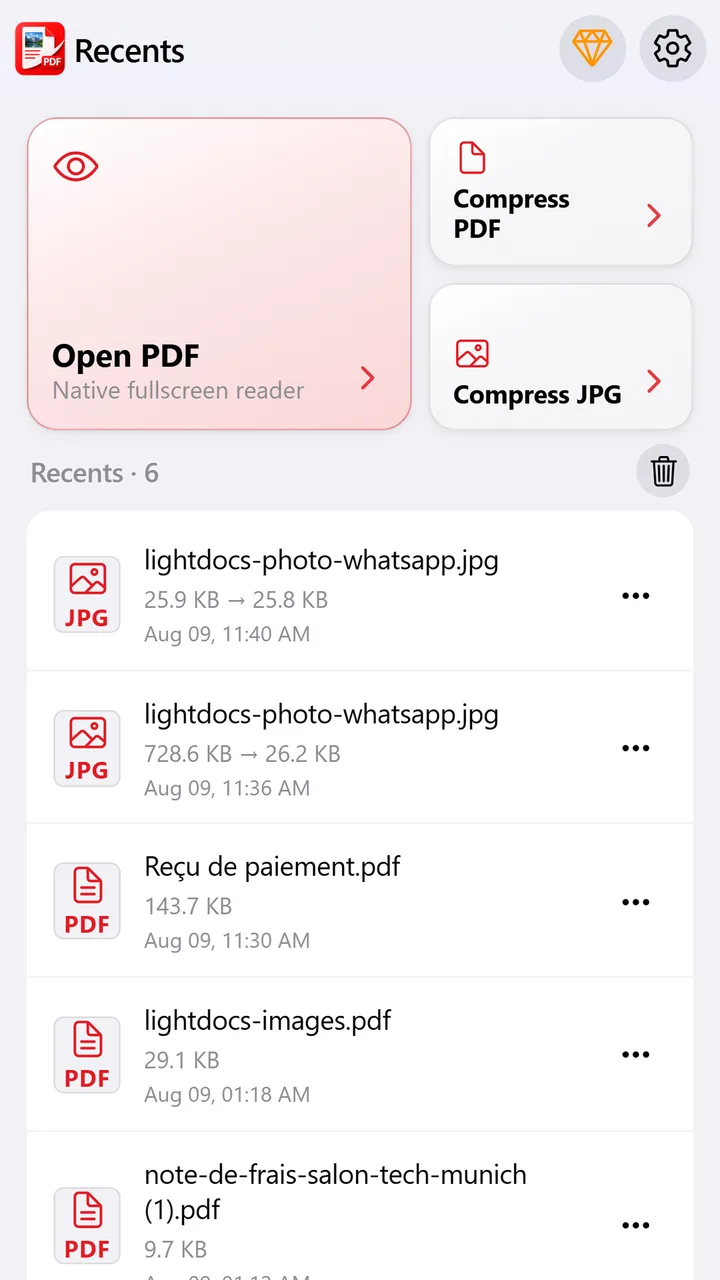
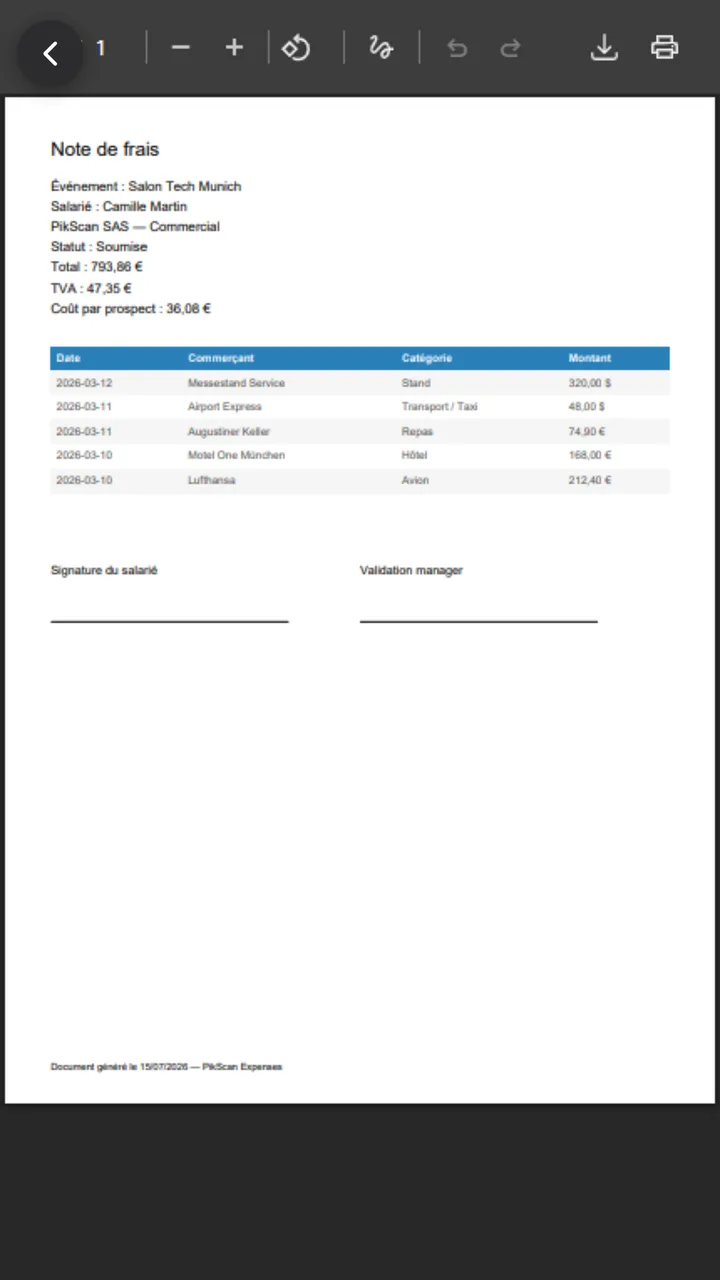
LightDocs recents
On-device No server upload
WhatsApp ready Lighter PDF & photos
Built for daily use

Replace heavy online PDF tools.

Compress, convert, merge and read in one simple app on your phone.

Compress PDF & photos

WhatsApp, Email or Max profiles. Before / after sizes visible.

Convert images ↔ PDF

Build a PDF from photos, or export pages as images.

Merge & split

Combine several PDFs or extract the pages you need.

Native PDF reader

Fullscreen, zoom, search and share in one tap.

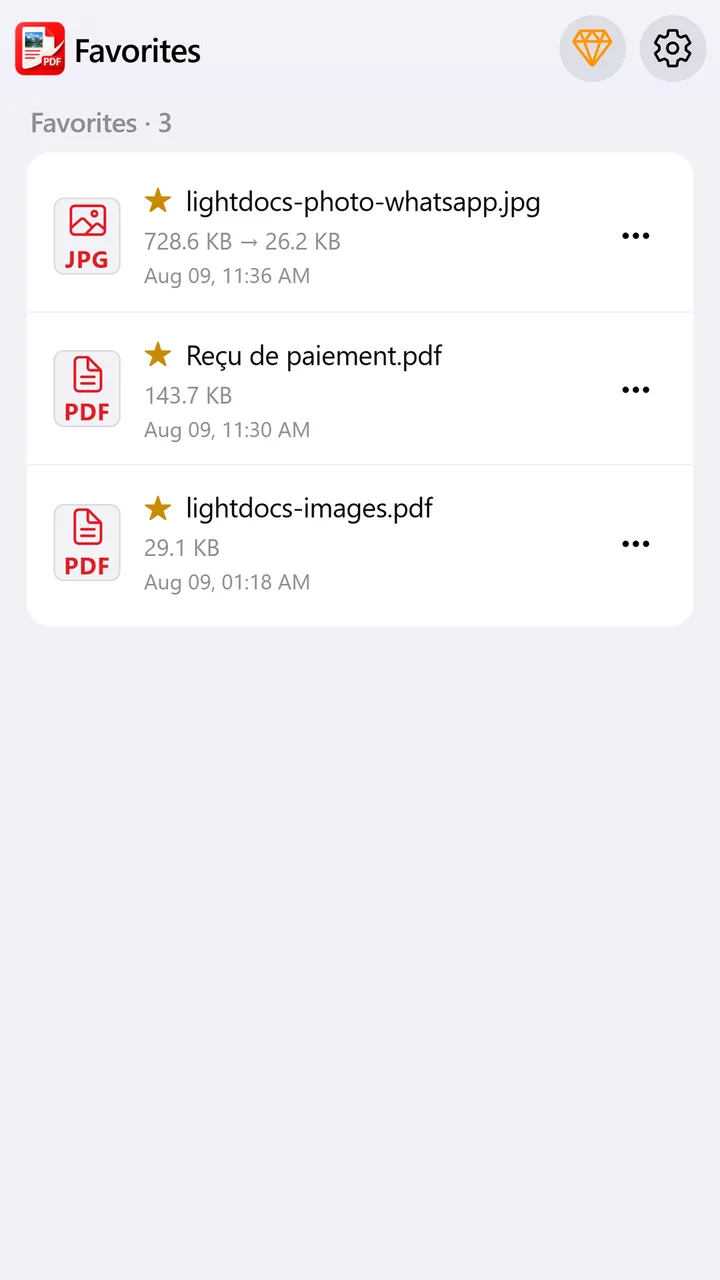
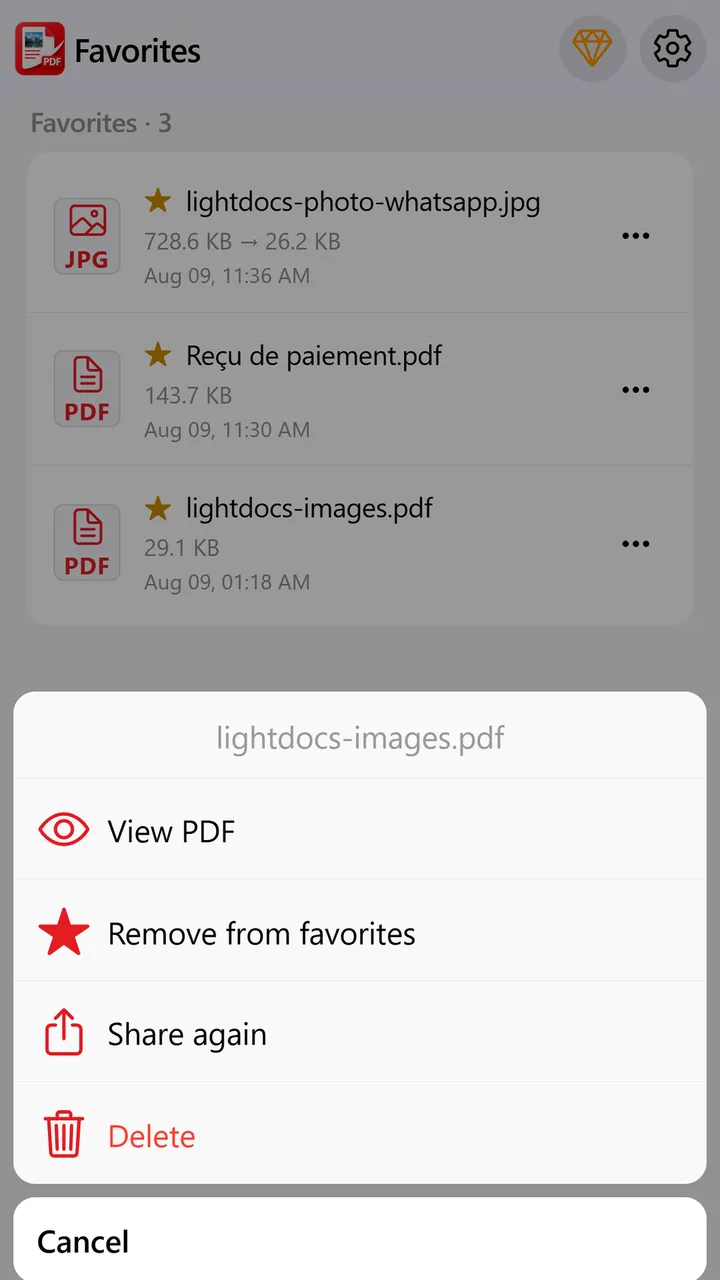
Recents & favorites

Find processed files fast, with no account or cloud.

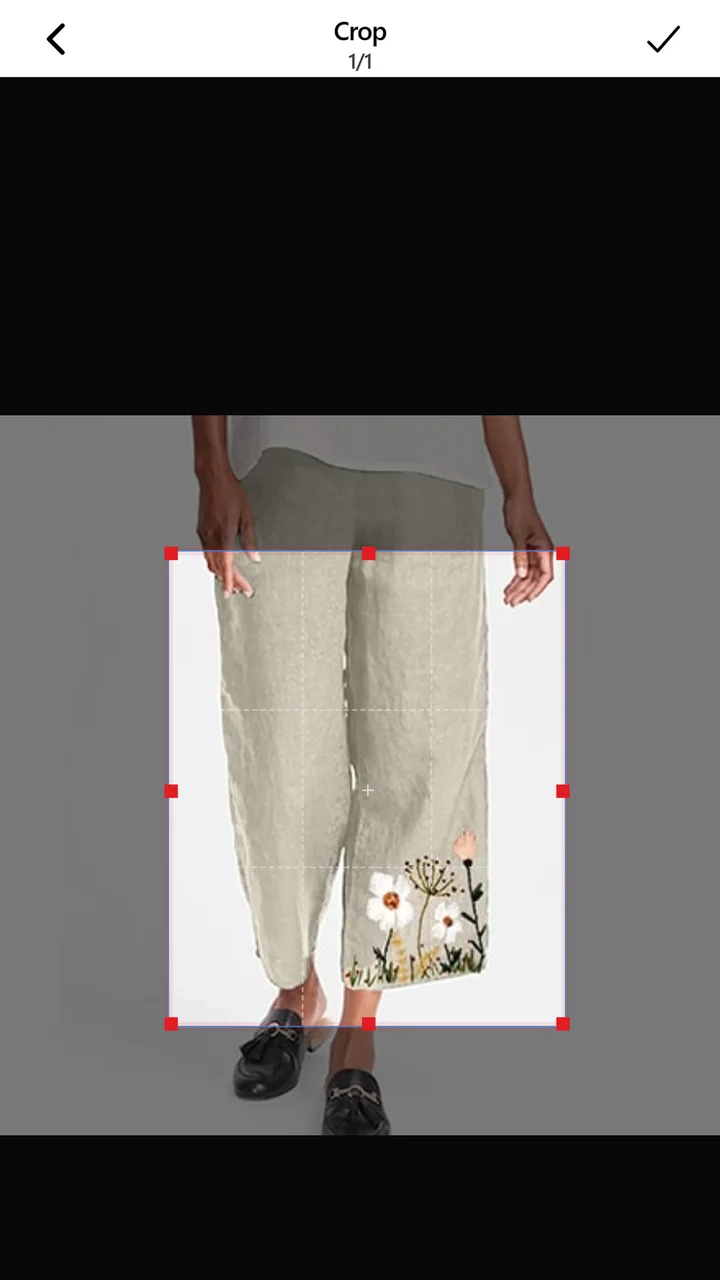
Crop before send

Frame and rotate photos before compressing them.

Simple workflow

From opening a file to sharing.

Ideal for WhatsApp, email, Messenger and daily mobile use.

1

Pick a file

PDF or photos from your phone.

2

Compress or convert

WhatsApp, Email, Max, merge, split.

3

Check the result

Before / after sizes and local preview.

4

Share

WhatsApp, email or any other app.

LightDocs PDF reader
Why LightDocs

Keep your documents on the device.

LightDocs processes PDF and photos locally. No need to upload files to a server to compress or convert.

On-device processing Compression and conversion on your phone.
No account Install and start right away.
Free to start Light ads. iOS Premium removes ads.
Android & iPhone Available on Google Play and the App Store.
Preview

See the app

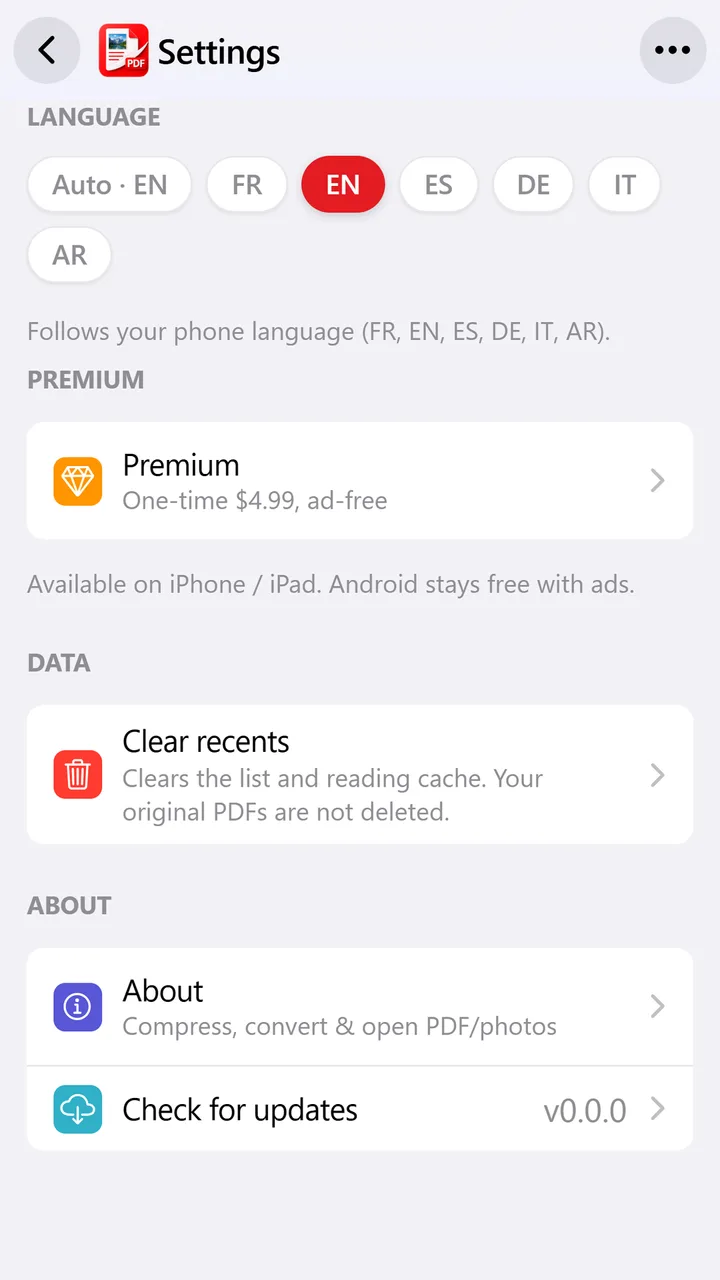
Recents, tools, reader and crop, all on your phone.

Recents
Pricing

Free to start

iOS Premium to remove ads.

Free

$0

Core tools with light ads.

  • Compress, convert, merge
  • PDF reader & recents
  • Android & iOS
iOS

Premium

≈ $4.99

One-time purchase, non-renewing.

  • No ads
  • Unlimited Max quality
  • Restore via App Store
Go Premium

Android

Free

AdMob-funded, no subscription.

  • All on-device tools
  • Banner / interstitial ads
  • No account required

Make your next PDF lighter in seconds.

Compress. Convert. Share. Everything stays on your phone.

FAQ

Questions about LightDocs

Does LightDocs work offline?

Yes for core tools. After the free quota, Internet may be required for AdMob ads, unless you have Premium.

Do I need an account?

No cloud account is required.

What can I do with LightDocs?

Compress PDF and photos, convert images ↔ PDF, merge, split, crop and read PDFs.

Do my files leave my phone?

Processing stays local. AdMob ads use the Internet. See the privacy policy.

Available on iPhone and Android?

Yes. App Store and Google Play links are on this page.

More details? Read the guide · Contact support